Skip to content
Why Surveyor Ops
Fewer loose ends.
A clearer workday.
The missed update. The separate spreadsheet. The note that never made it
back to the office. Here’s where a connected workflow can help.
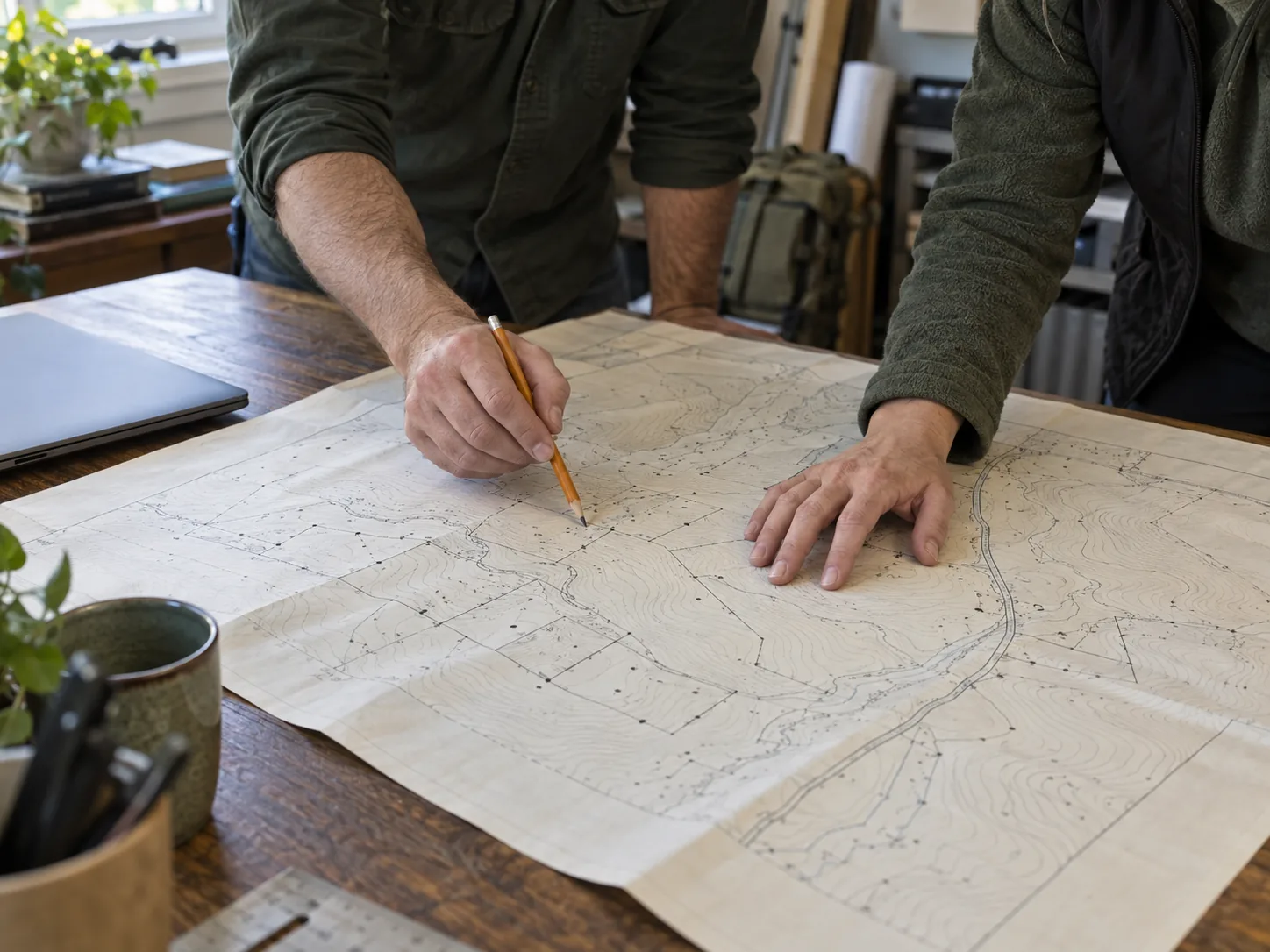 From your first call to your last field note.
When the customer calls
Give an update.
Without the phone tag.
A job record brings the status, assigned crew, and latest field activity
together, so the office has a place to look before making another call.
See the office preview →
An illustrative job record
Cedar Hollow Boundary Survey
StatusIn the field
Assigned toJordan’s crew
Latest updateNorth corner found
The next conversation starts with context.
When service drops
Keep the details.
Keep moving.
Download assigned work before leaving signal. Saved job information
stays available, and field captures wait on the phone until the app
reconnects.
Try the crew phone →Offline maps cover downloaded areas. On iPhone, keep the app open to
sync.
An illustrative field visit
⌖
Saved on the phone.
- ✓ Job instructions downloaded
- ✓ North corner pin captured
- ✓ Visit note ready to sync
The visit stays with the job, even between connections.
When the field work is finished
Close out the work.
Keep the history.
Find the invoice, recorded payments, and remaining balance with the job.
Keep the business details ready for the next customer conversation.
Try the billing preview →
An illustrative invoice
Boundary Survey · Job #1042
Invoice total$1,800
Payments received$600
Remaining balance$1,200
One place for the work and the business behind it.
Which part of your day
needs to get easier?
Bring us one example. We’ll follow the handoff together and show you where
Surveyor Ops could fit.
Talk through your workflow ↗
